fast-robots
Lab 1A
The first half of this lab was just getting familiar with using the Artemis board. For this part, I did not collaborate with anyone.
Before lab, I installed ArduinoIDE and the Sparkfun Apollo3 boards manager on my computer to send programs to the board. This part of lab primarly involved running simple tests and sample programs to confirm functionality of communication with my laptop and of onboard sensors.
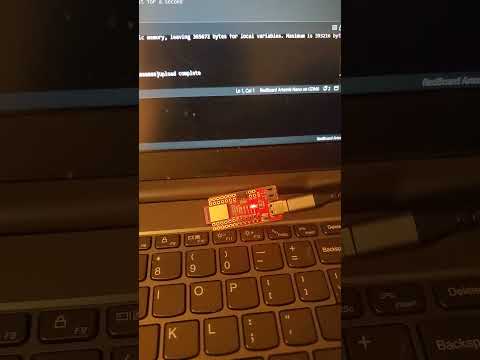
The first program in 01.Basics/Blink toggled an LED on/off once per second. Setup and execution was fairly straightforward.
The second program in Apollo3/Example4_Serial tested user interaction with the serial monitor with a simple echo program. Everything the robot received as input was returned through the serial monitor output.
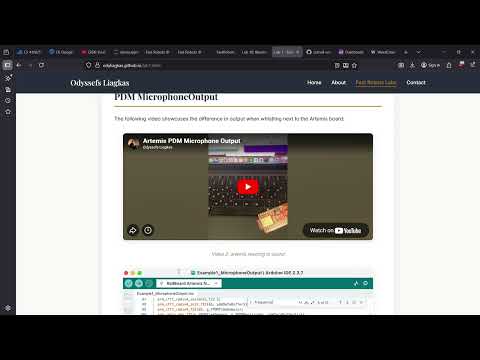
The third program in Apollo3/Example2_analogRead tested the onboard temperature sensor. Once this was done, the room temperature measurement was around . After holding the chip with my hands for a little while, I was able to get the reading to raise a bit.
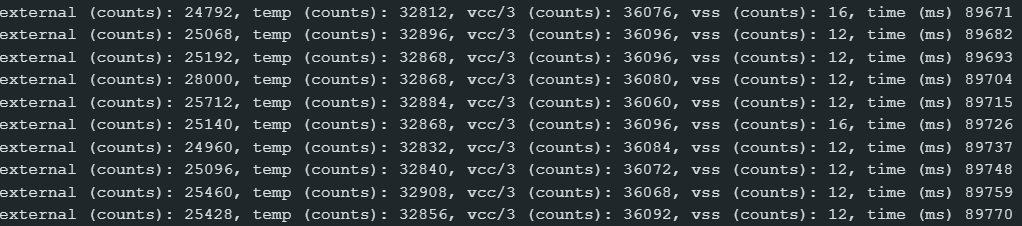
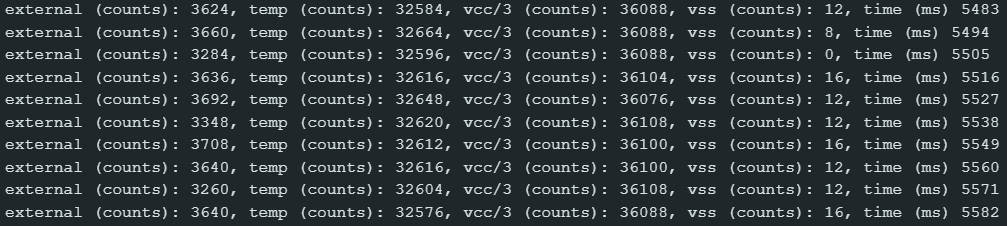
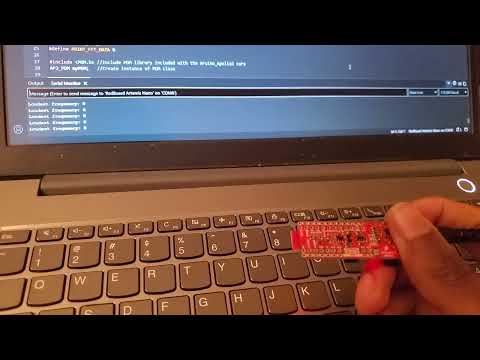
The fourth program in PDM/Example1_MicrophoneOutput tested the onboard microphone. As shown in the video, the resting frequency in a quiet environment was at 0, raised to a steady 351 while I was humming, and fell again afterwards.
Lab 1B
This part of the lab familiarized us with wireless communication with the Artemis board via Bluetooth stack, and sending Python commands to the board to execute Arduino code. For this section, I briefly discussed coding strategies during lab section with Rajarshi Das and Rushika Prasad, but did not collaborate with anyone otherwise.
After downloading the codebase into my project directory, I installed ArduinoBLE in the ArduinoIDE, loaded and burned the provided ble_arduino.ino sketch from the codebase, and started the Jupyter server to send Python commands to the board during the lab. After updating the configuration file witih the board MAC address and a fresh BLEService UUID, I reuploaded ble_arduino.ino to the board and used the provided demo.ipynb notebook to test basic BLE functionality. This was the combined list of command types I had, with the last 6 being added as I went along (described as they appear).
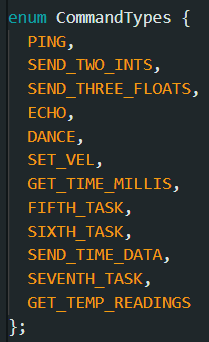
To complete the following tasks, I added to the codebase and send Python commands in the same demo.ipynb Jupyter notebook. I had command results sent back to my laptop by updating the tx_characteristic_string in Arduino and reading the tx_esting_value field in Python.
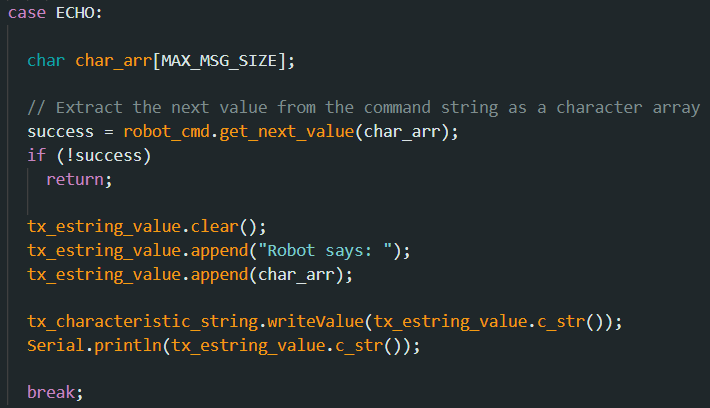
The first task was to implement and test the [ECHO] command. My code updated the tx_characteristic_string object with the necessary code to return, which was simply the input code with a brief string prefix. The string was then sent back to the Python code in the Jupyter notebook.

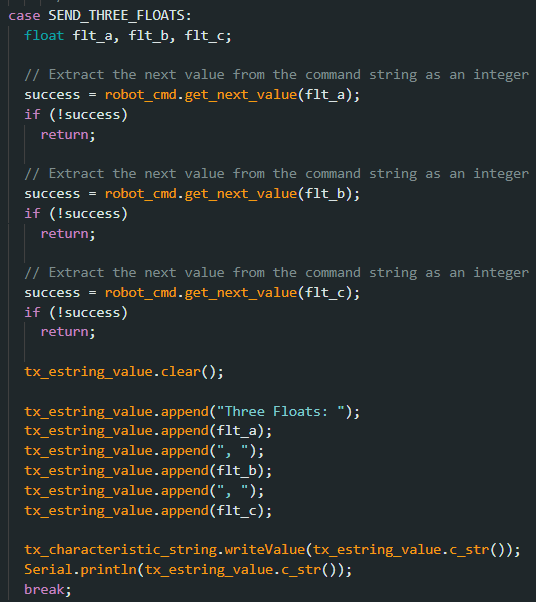
The second task was to implement and test the [SEND_THREE_FLOATS] command. Three floats are sent as input from my laptop, which are received by the board to be processed as float values, simply returning those values as output.

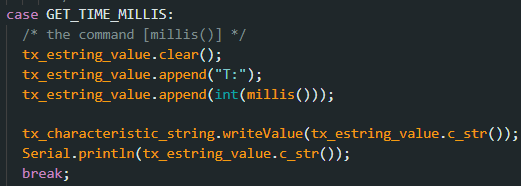
The third task was to implement and test [GET_TIME_MILLIS], which takes no input parameters and returns the amount of time in milliseconds for which the board has been operating. In Arduino, this can be found using [millis()], so the robot command queries that function and returns the result.

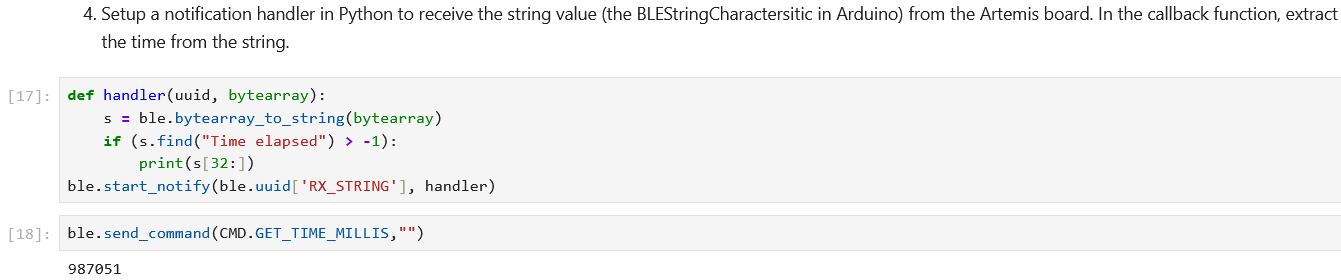
The fourth task was to set up a notification handler in Python to receive and process queries to [GET_TIME_MILLIS] by extracting the time from the return string. I used a call to the [start_notify] function with a custom handler to switch the bytearray to a string representation and print to the notebook whenever it reads a time string.
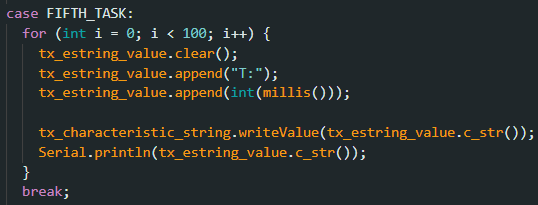
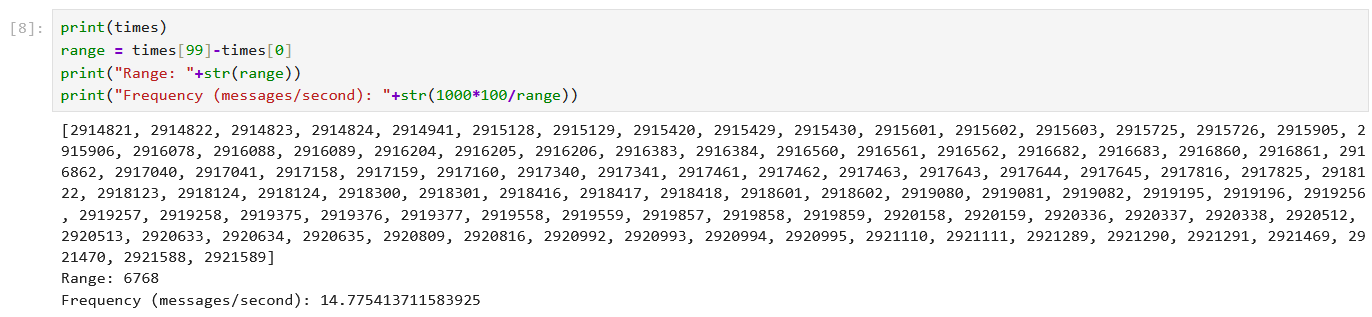
For the fifth task, I set up a loop to repeatedly query for the current time in milliseconds and send the data to my laptop. I added a new command to execute this, which I simply called [FIFTH_TASK]. I wrote a for loop in Arduino to make 100 queries and reports on times, and the data was collected with the notification handler in a list. Averaging the time differences between consecutive queries yielded an average of around 15 messages per second.
For the sixth task, I globally defined an array of size 100 called [stamps] to store time stamps. I made a new loop called [SIXTH_TASK] to update the array, and I added the command [SEND_TIME_DATA] to send each data point individually to my laptop.
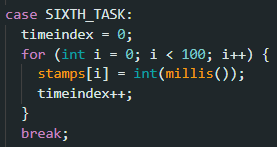
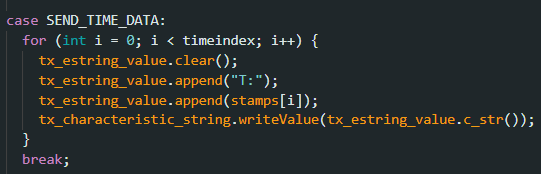
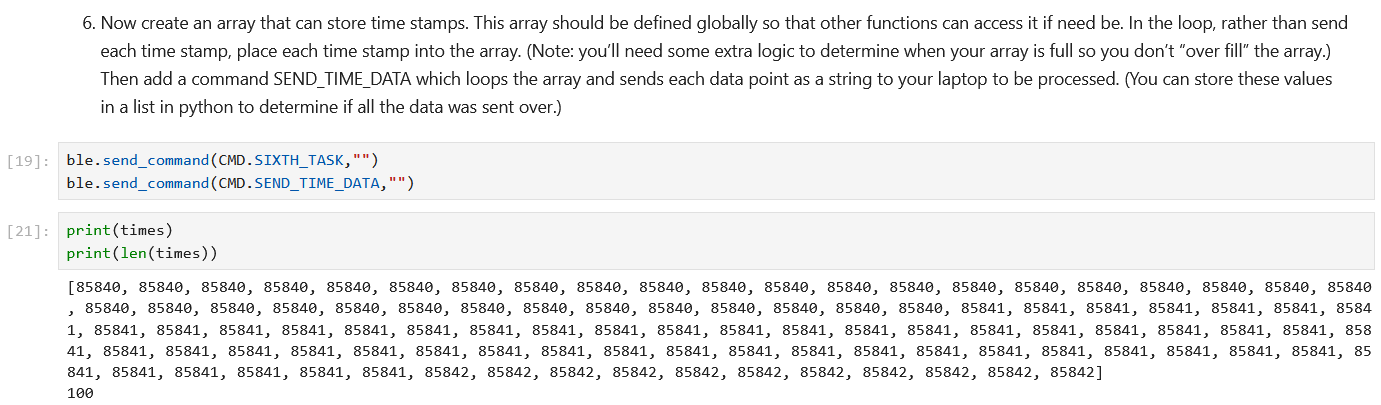
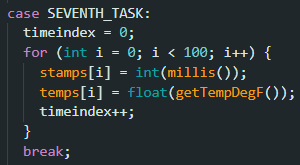
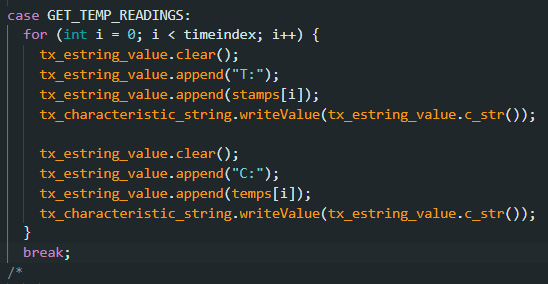
For the seventh task, I added another global array called [temps] to store temperature data, and made another copy of the same loop called [SEVENTH_TASK], which performs the same actions as [SIXTH_TASK], but every update to [stamps] also checks the measured temperature and updates [temps]. I added another command called [GET_TEMP_READINGS] that sends the [stamps] data followed by the [temps] data, and made a new handler to maintain two separate lists and add each data point to the right list in the right order.
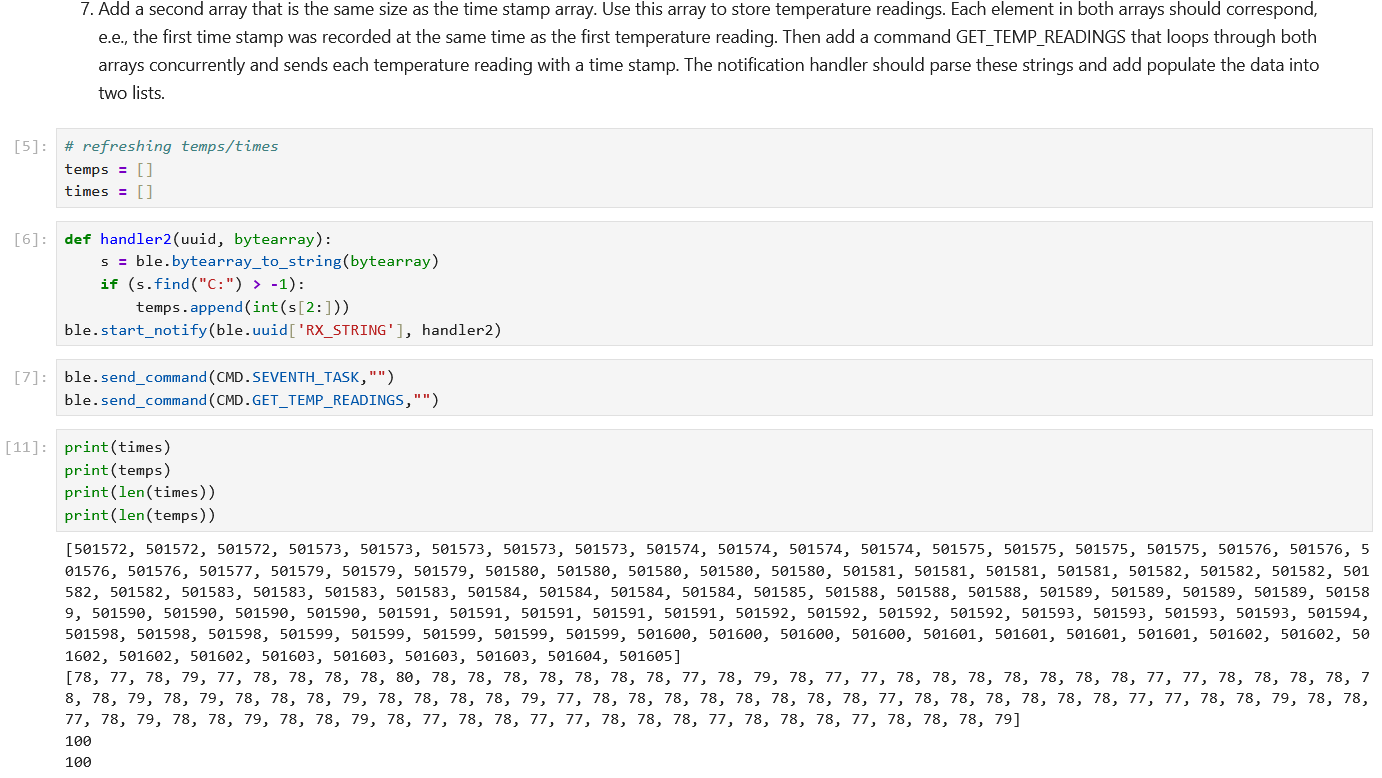
Regarding the eighth task of comparing the results of tasks five and seven, filling the array and then sending everything at once was significantly more time efficient, sending all of the data in about 33 milliseconds. If each time and temperature is stored as a 4-byte float, the board can store up to 96,000 values to fill 384 kilobytes. The method from task 5 may be more time-efficient for very small numbers of measurements due to the time taken to fill the array, but this could be considered unrealistic for real-time measurements that requires high amounts of measurements for accuracy and consistency. The first method, then, seems most valuable for quick troubleshooting, while the second seems more valuable for regular data collection.